Audience
Developers reading README files, product managers reviewing specifications, technical writers, documentation teams, students, and open-source contributors.
Read Markdown, beautifully.
Most Markdown applications are built for editing. MDView is built for reading. Whether you are reviewing a README, browsing project documentation, or opening a Markdown file from Finder, MDView gives you a clean, native reading experience without the complexity of a full editor.

Audience
Developers reading README files, product managers reviewing specifications, technical writers, documentation teams, students, and open-source contributors.
Core workflow
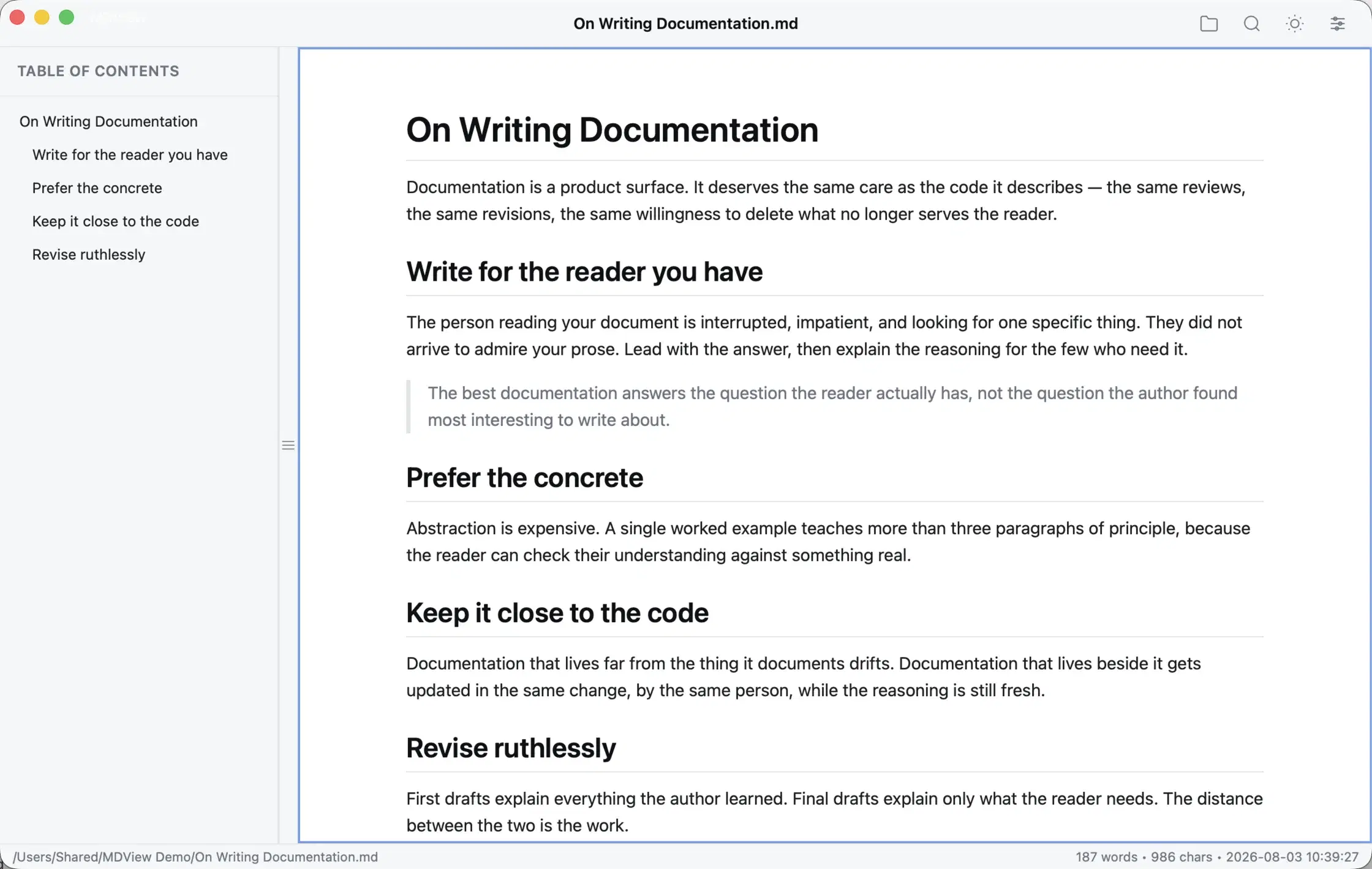
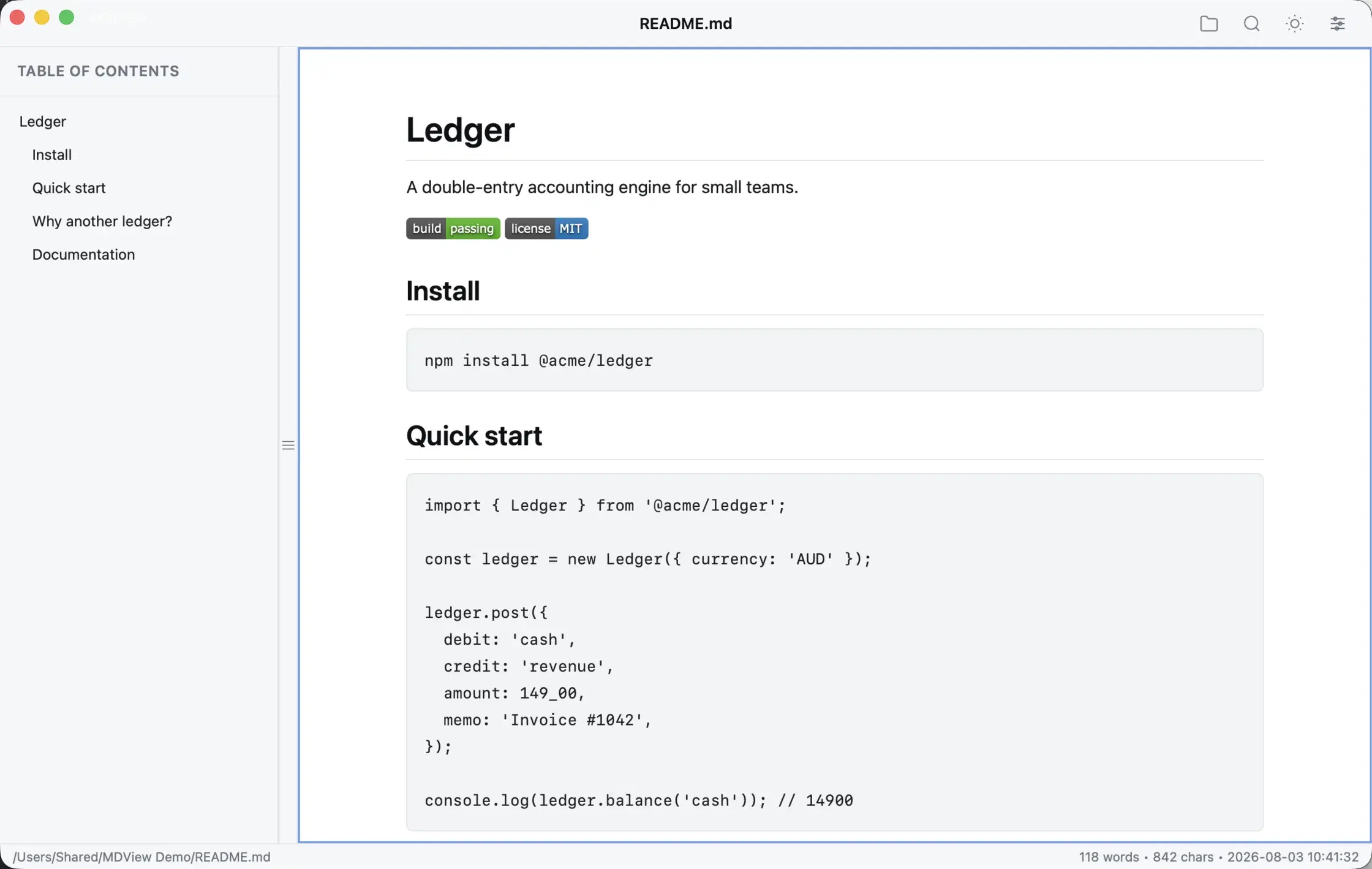
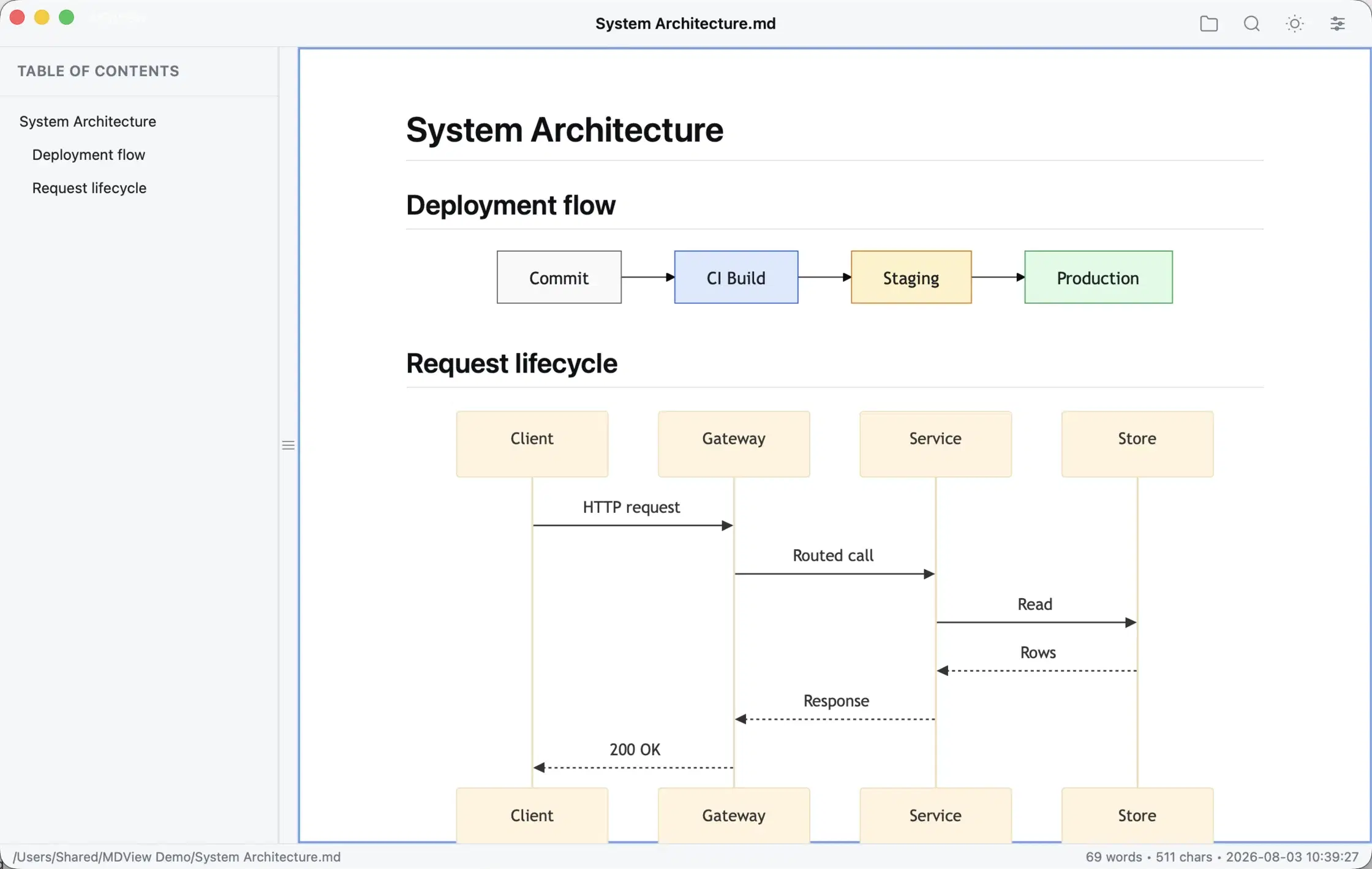
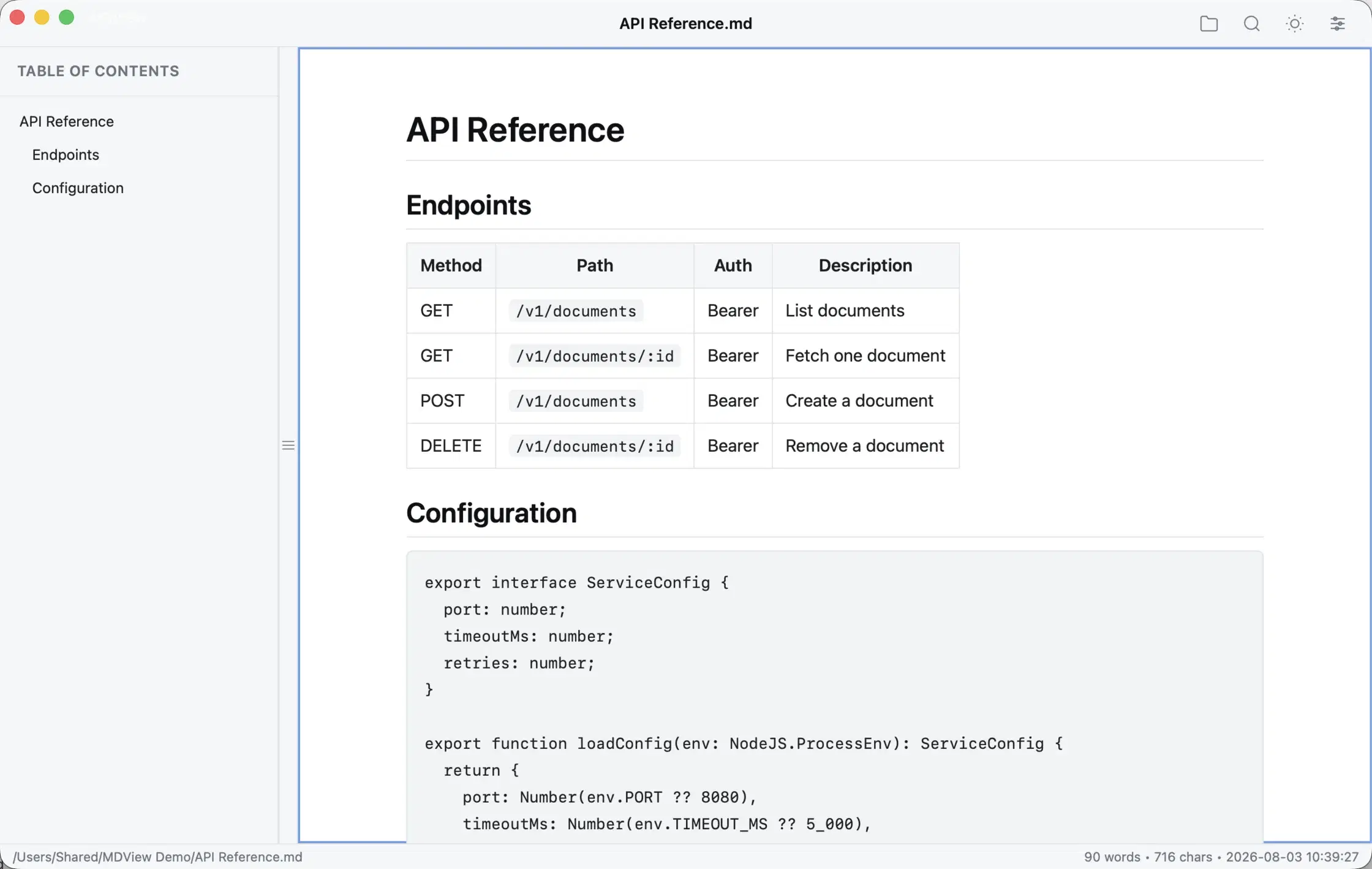
Product principle: Markdown deserves a reading experience as good as Preview.app gives PDFs.
Contact Mainbridge